


Review meals and packaged-food labels, then save what you approve.
Preparing for App Review. Not yet available on the App Store.
What it is
OneBite: AI Meal Log
Photograph a meal, choose a photo, describe it, enter known nutrition, or explicitly look up a product code/name using Open Food Facts. Meal estimates and barcode recognition run on device; only an explicit online lookup sends a code/search text plus ordinary connection metadata to the food provider. Confirm the label and portion and review nutrition before Save. Journals remain local; estimates and community product data are not exact measurements, medical advice or allergen checks.
- Camera, photo-library, text and direct known-nutrition entry
- Barcode scan, printed-code lookup and explicit product/brand search; manual alternatives remain
- Confirm grams/millilitres and portion; complete missing nutrients before explicit Save
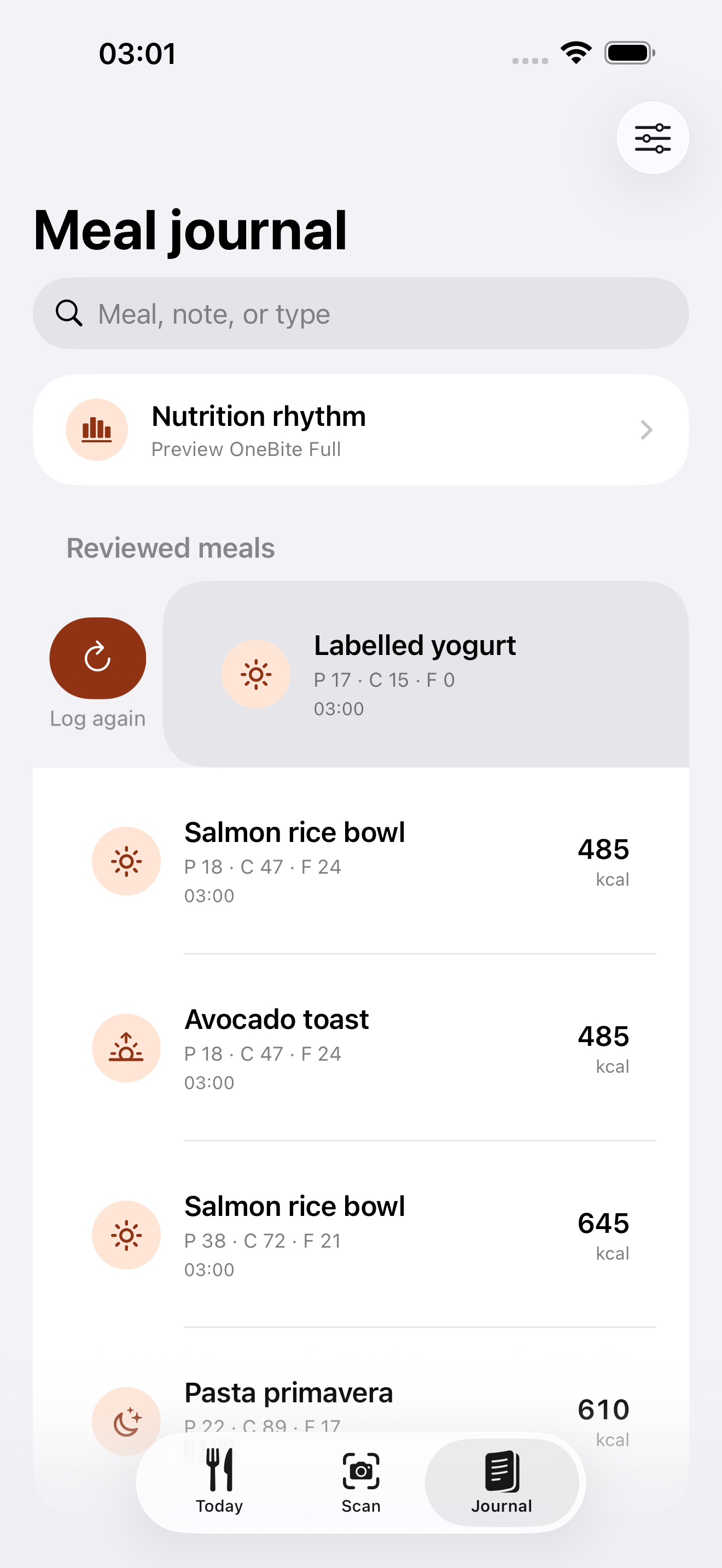
- Searchable local journal, reviewed Log again and personal targets
- Portable validated journal export/import and retained source notes
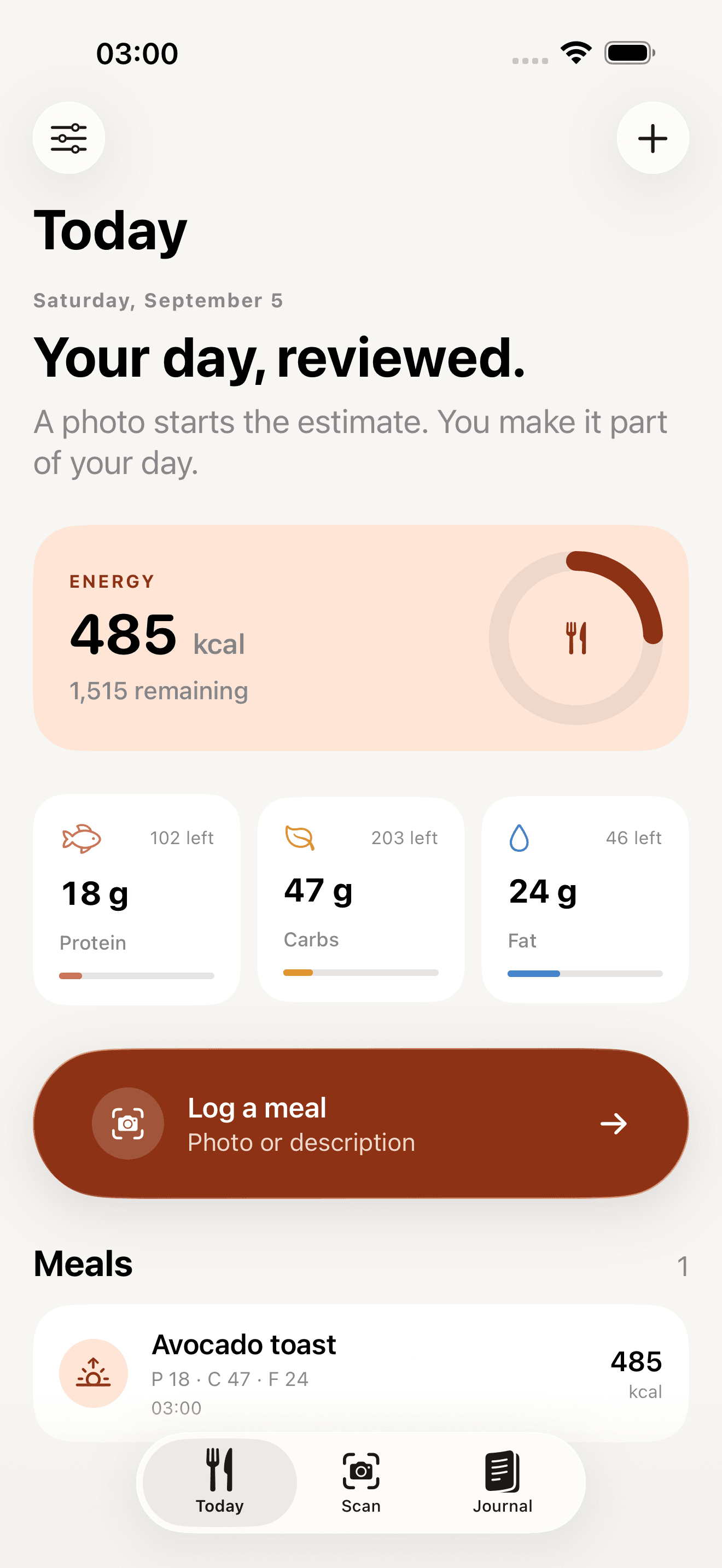
Development preview · Sample data
Inside the app
Made for iPhone and iPad.
Development preview · Sample data. These are original native screenshots. Open any image to inspect it at full size.
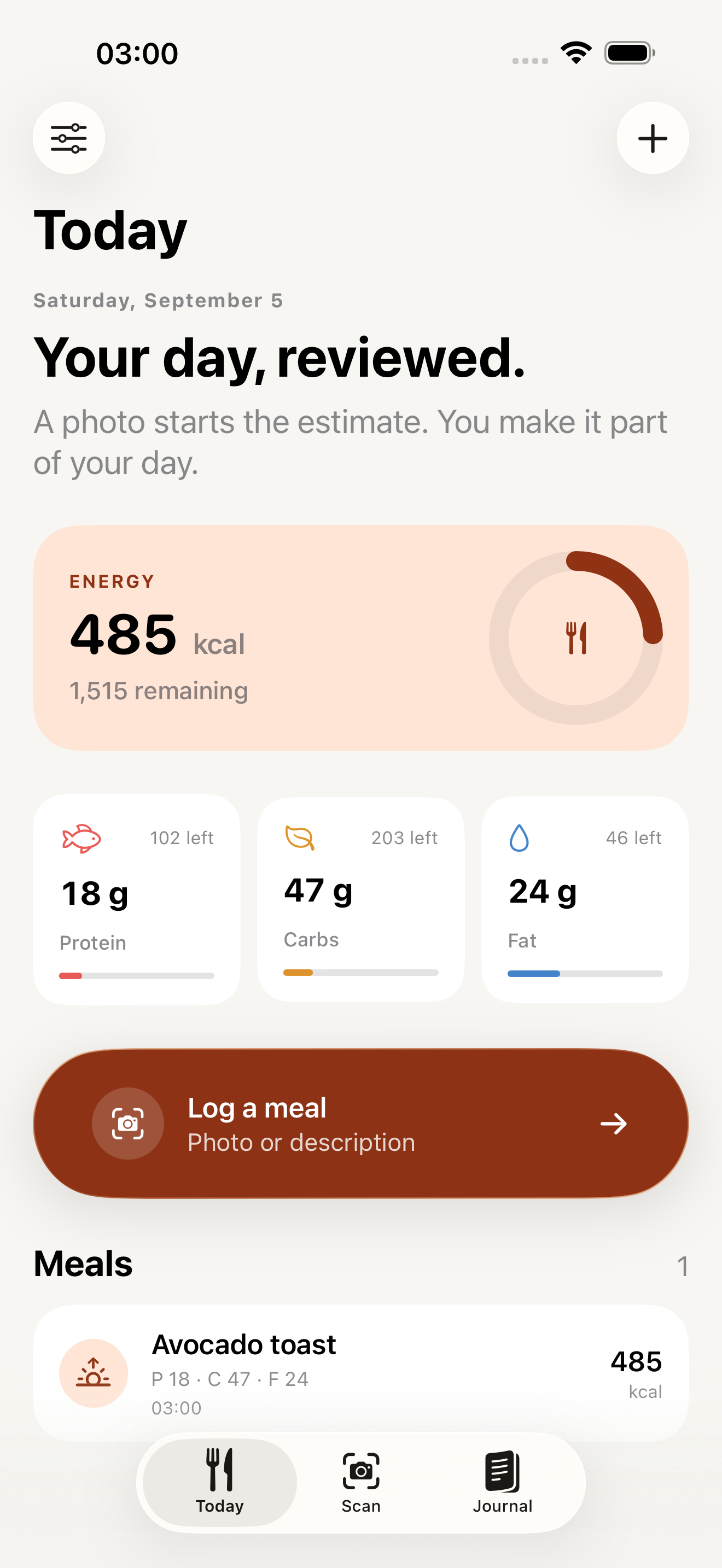
iPhone · Sample data
Your day, reviewed
Reviewed meal energy and macros against your own targets.
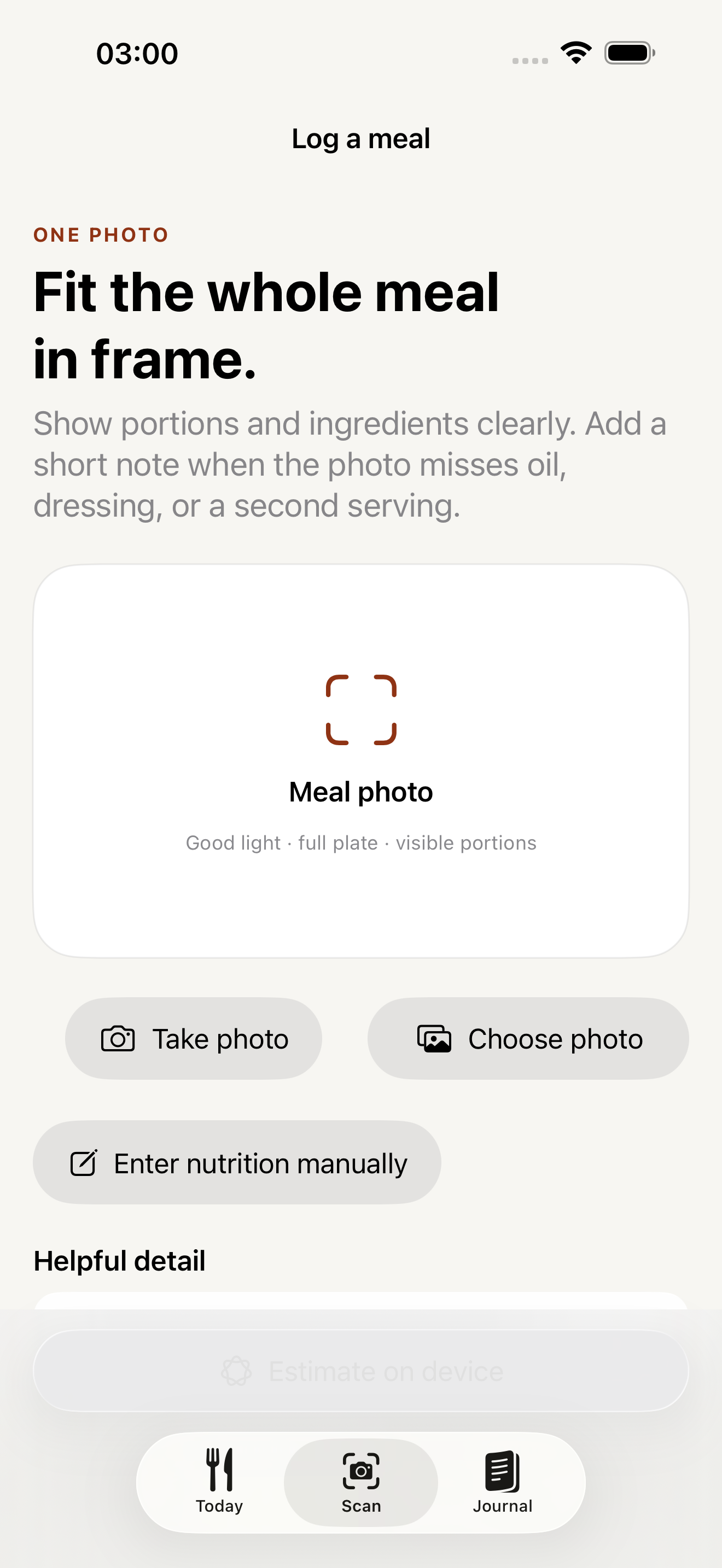
iPhone · Sample data
Start with a photo or known values
Camera, photo library, description, and manual nutrition entry.
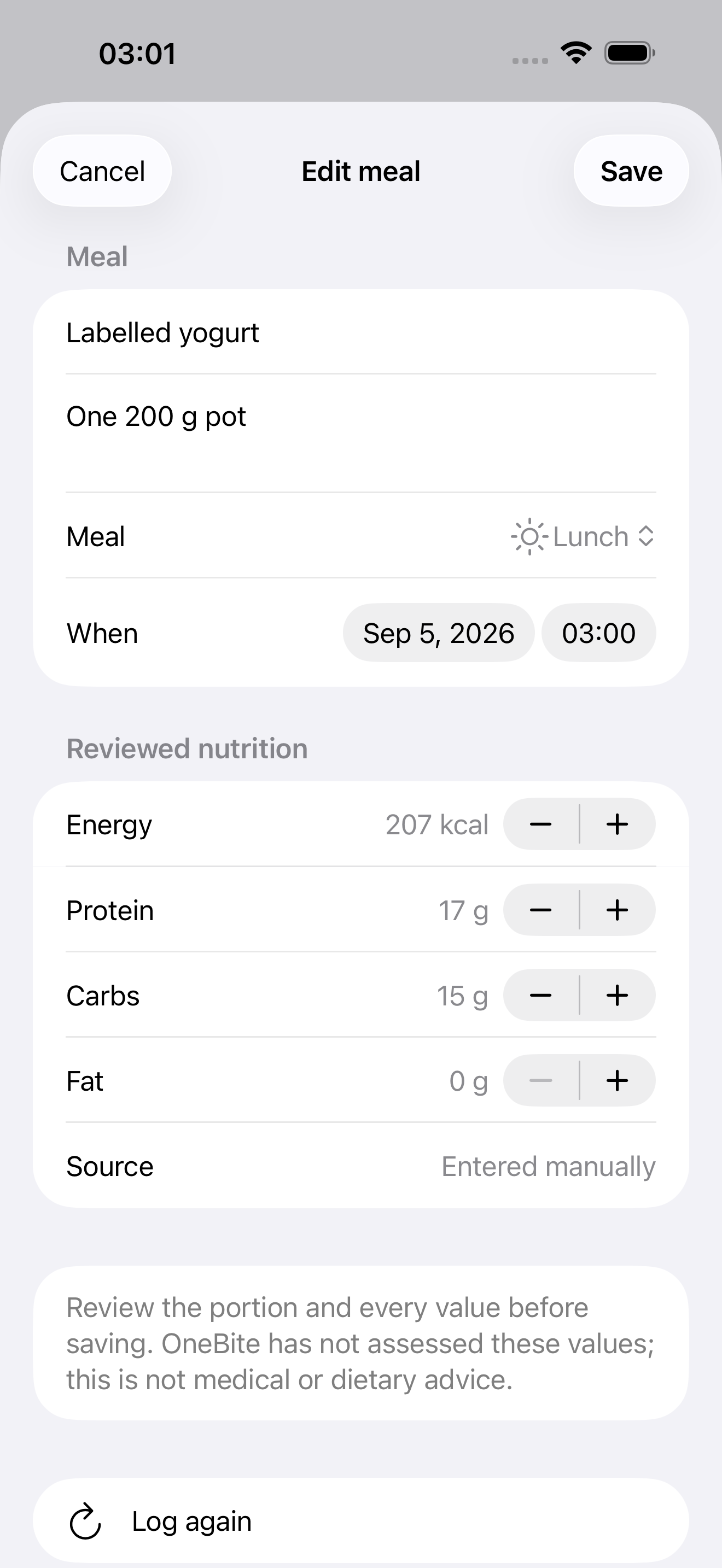
iPhone · Sample data
Known nutrition stays manual
An editable entry with its manual source clearly visible.
iPhone · Sample data
Review before logging again
Search saved meals and open an editable copy before saving.
iPad · Sample data
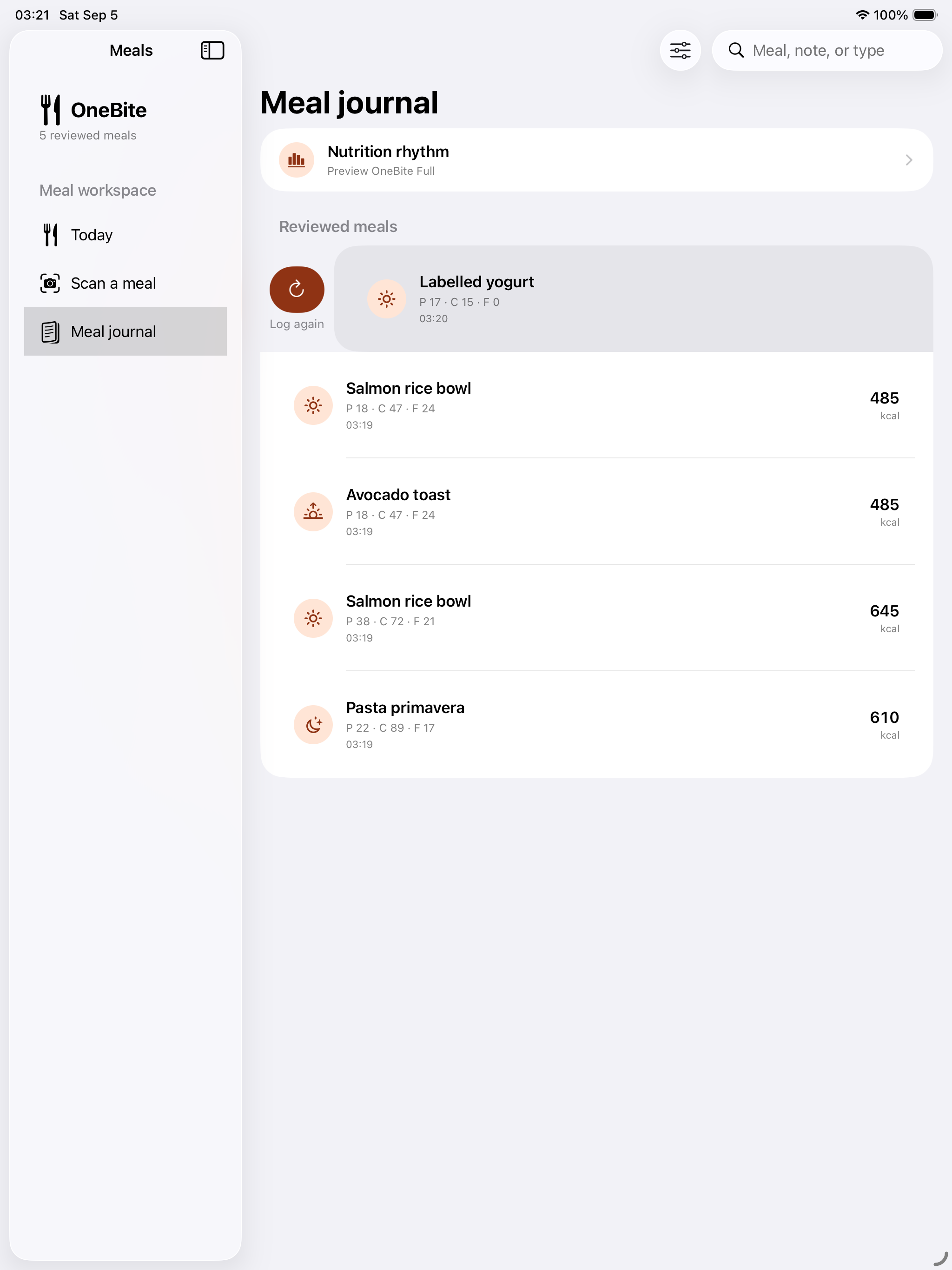
Your meal journal on iPad
The searchable journal adapts to native iPad navigation.
FREE
Useful from day one
- Seven days of working tools through the separate free trial; no automatic charge or subscription
- Saved records remain readable and exportable after working access expires
FULL
One lifetime unlock
- Optional one-time Full purchase: planned Germany price €19.99; StoreKit shows the applicable storefront price before confirmation
- Continued meal creation, editing, estimation and product-lookup tools
- Nutrition trends and custom meal categories; existing paid rights preserved
PRIVACY
Local by default
- No personal journal sync to iCloud in this release; existing cloud copies remain untouched
- Photos and camera frames are not sent in product requests or saved to the journal/archive
- Explicit product code/search queries go directly to Open Food Facts with IP/request metadata; provider logs are governed by its policy
- No OneBite account, ad SDK, developer nutrition backend or automatic query-as-you-type
- Manual known-nutrition entry needs no food-database request
Get occasional updates about the apps.
Release news and useful changes from x70, sent when there is something to share.